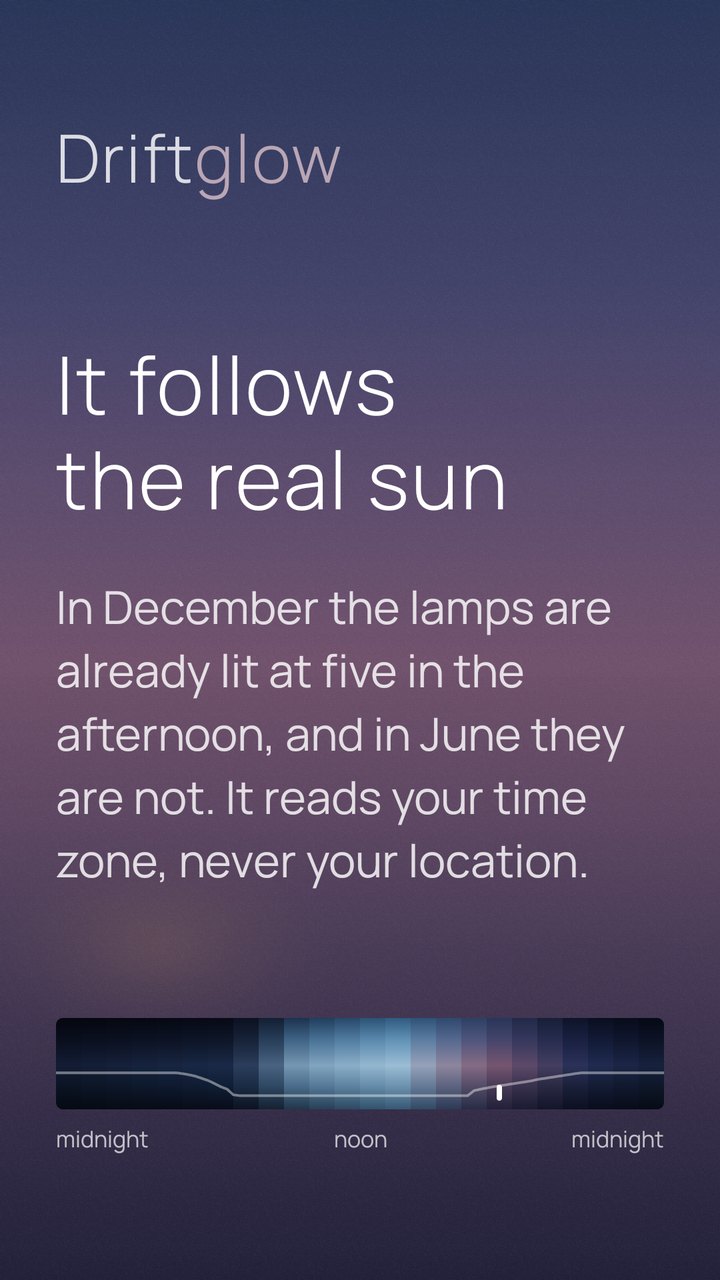
A day is not six to eighteen
Not everywhere, and not all year. Driftglow works out sunrise and sunset for your time zone and stretches the day to fit them: in December the lamps of Harbour are already lit at five in the afternoon, and in June they are not.
It needs no location permission for this. The time zone your clock already uses is enough to place you within a few minutes of the truth.
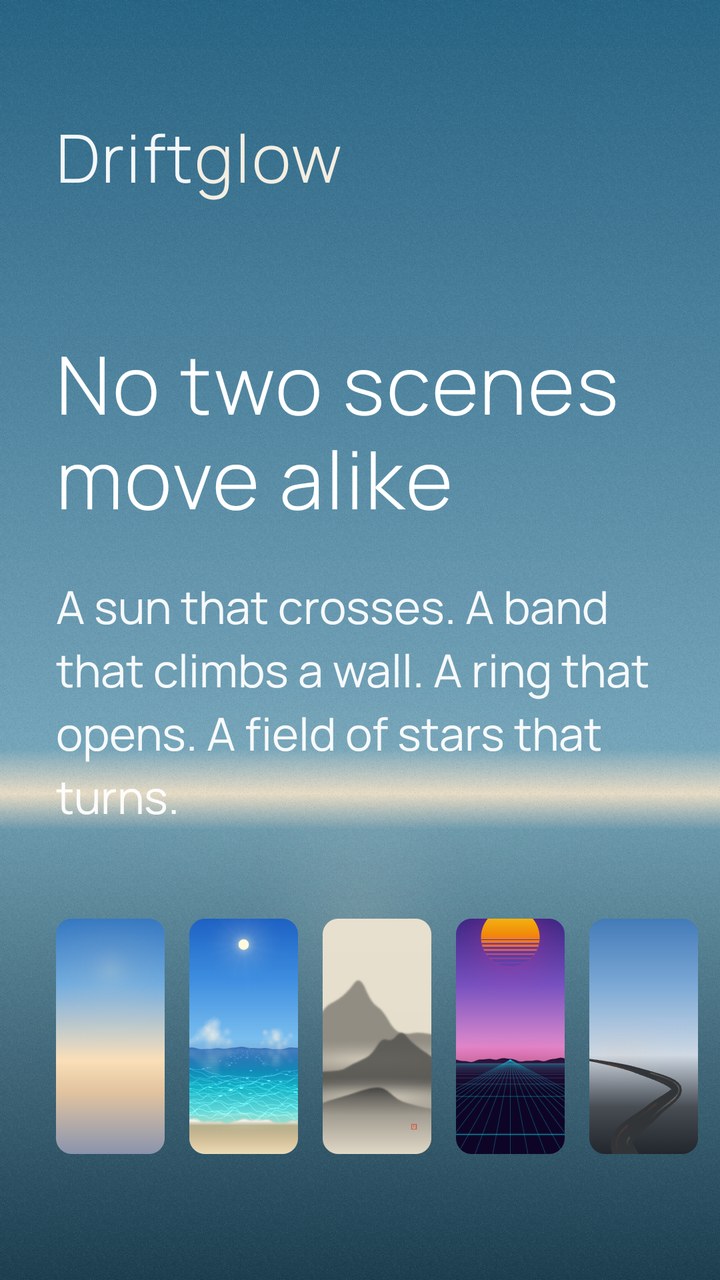
More than one kind of light
The scenes are not color schemes over one animation. What moves is different in each: a sun that crosses in Meridian, a band that climbs a wall in Skylight, a ring that opens in Iris, a field of stars that turns four minutes early in Sidereal.
New ones arrive. There is no fixed number, and there is not meant to be one.
It comes alive when you look
Choose Live and the wallpaper stops being a picture set once an hour: it draws itself, so the light follows the clock with no jump at all. Android asks you to confirm it once, and after that everything changes from the app.
When you unlock the phone or come back to the Home screen, the scenes with something in them come alive for a few seconds - leaves falling, smoke rising, koi swimming, a record turning - then settle. The rest of the time they are still, which is why the battery hardly notices.
Battery saver keeps them still. How long they move, or whether they move at all, is yours to choose, for every scene or just one.
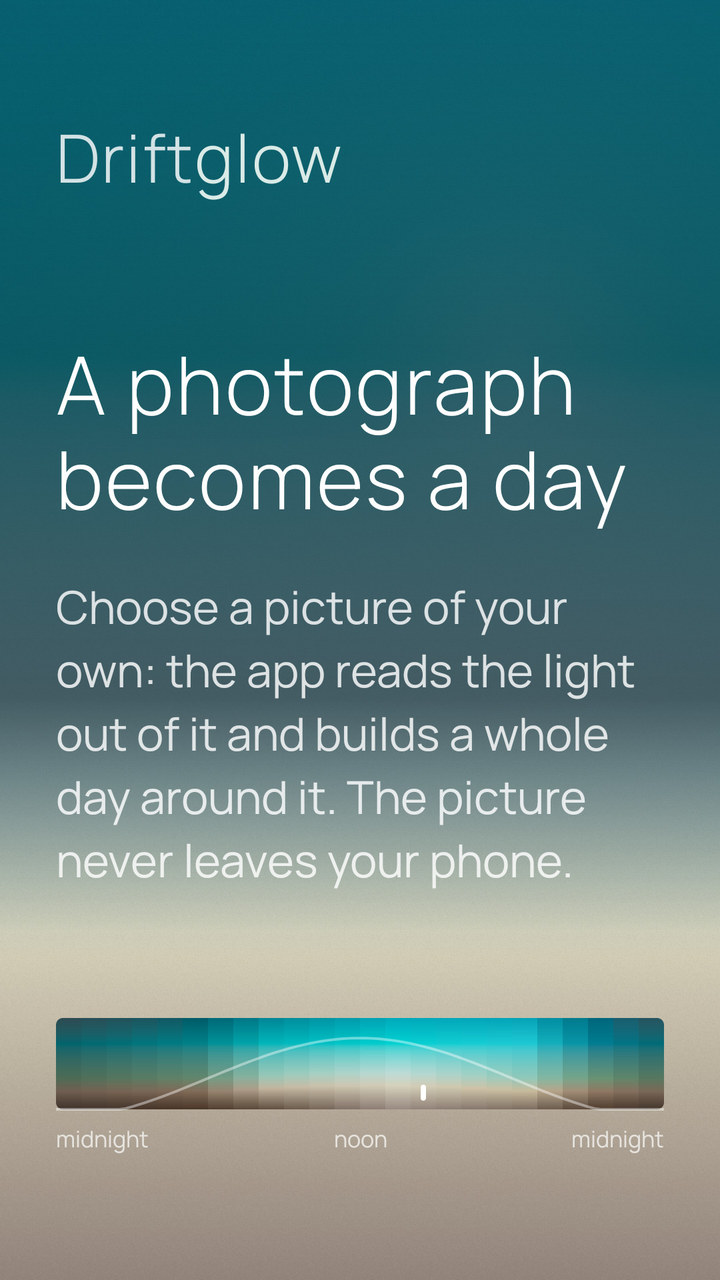
A photograph becomes a day
Choose a picture of your own and the app reads the light out of it - where each color sits from top to bottom, which colors the picture is really made of, and where its horizon falls - then builds a scene around them.
A photograph is one instant, and a day is not. The hours you did not photograph come from the scene you started with: not its colors, but the way its light changes, applied to yours.
It works best on a picture with a top and a bottom - a landscape, a sky. And when there is a light in the dark, a neon sign or a fire, it finds it: the scene keeps the glow instead of averaging it away.
The picture never leaves the phone. There is no upload, because the app has no way to send anything anywhere.
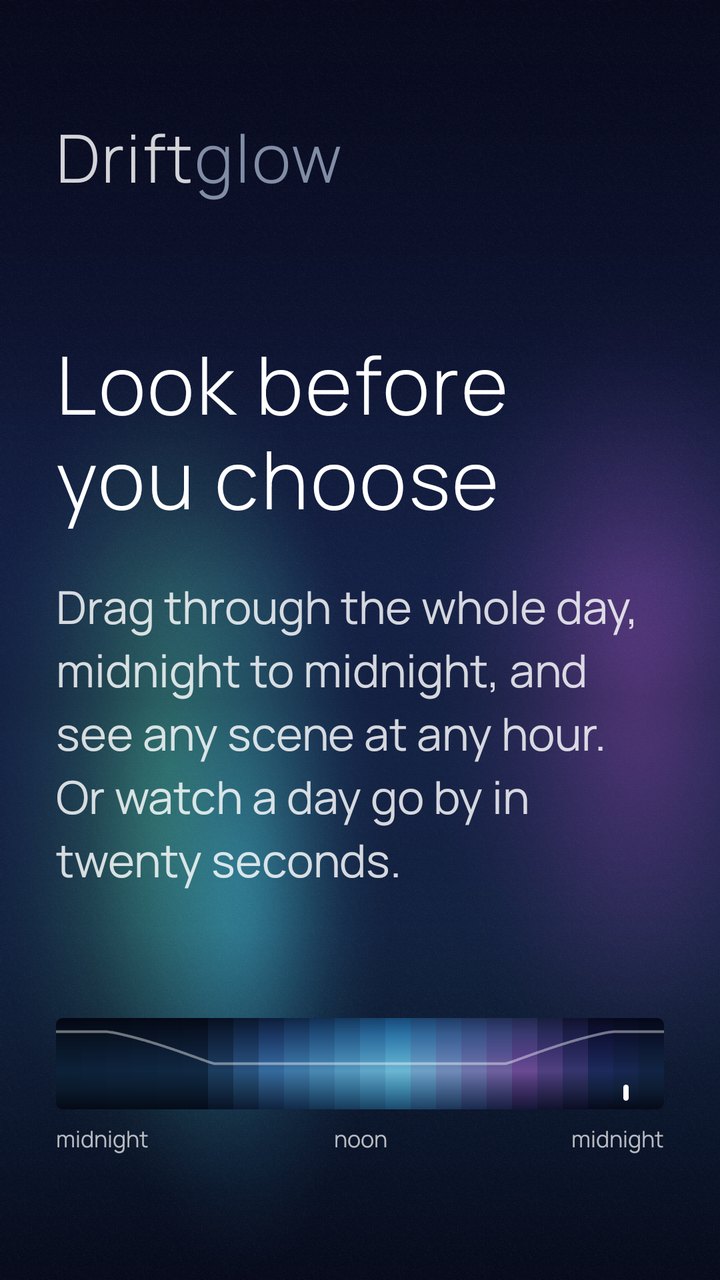
Try it on first
Drag through the whole day and see any scene at any hour before it becomes your wallpaper. Or let a day run past on its own, twenty-four hours in twenty seconds.
The strip at the top of this page is the same one, with the same numbers behind it.
What it does not do
- No account. There is nothing to sign into.
- No notifications. Ever.
- No internet. The app has no network permission at all, so it could not phone home even if it wanted to. That is something you can check rather than believe.
- No analytics, no advertising identifier, no crash reporting.
- No ads, and nothing locked. Every part of the app is there for everyone, and paying - or not paying - can never change that.
- No photos, no files, no storage permission. The only file it ever touches is the settings file you export yourself, through the system file picker.
The only permission Driftglow declares for itself is the one to set a wallpaper. A few more come from the library that wakes it on the hour; none of them can reach the network, and the privacy notice names them one by one.
The color is the whole product
There is nothing else in here. No widgets, no photos, no filters, no feed. Only color, which is why the color gets all of the work.
Blend two colors the ordinary way and the middle comes out darker than either end, so a gradient sags where it should be even. Driftglow does not do that, and there is no visible banding either, even on the darkest scenes.
Each scene is written as a handful of key colors at six key hours, and everything between them is worked out fresh, every hour, on your phone.
Driftglow works entirely offline, on Android 11 and later.
Where it is, and where it might go
Not promises, and not dates. The lit part is what is already in your hands. Below it the light runs out, which is the honest way to draw the rest.
In the app
-
The hour, and nothing to do about it
A new image every hour, on the home screen, the lock screen, or both. You set it up once and then forget the app is there.
-
Sunrise and sunset where you actually are
Worked out from the time zone your clock already uses, so a December afternoon is short and a June one is not. No location permission.
-
Scenes that each move their own way
A sun that crosses, a band that climbs a wall, a ring that opens, a field of stars that turns four minutes early. New ones arrive, and there is no fixed number.
-
Scenes in sets, and a set that takes its turn
The night ones together, the tropical ones together, a Japanese garden, a synthwave night. Turn a set on and the wallpaper takes a different scene from it each day, without being asked.
-
Grain and blur, if you want them
A gradient on eight bits can show its steps; a little grain breaks them up. Three settings that really look different, and you see all three before choosing - on some scenes the grain is there anyway, because without it the sky would be striped.
-
A scene from a photograph
It reads the light out of a picture you choose and builds a whole day around it, without the picture ever leaving the phone.
-
Everything you set, in one file you keep
Export and import through the system file picker - the only file the app ever touches, and one you can read.
-
A wallpaper that draws itself
Choose Live and the wallpaper follows the hour with no jump at all. Many scenes come alive for a few seconds when you look - smoke, water, traffic, a spinning record - then settle; the rest of the time they are still, so the battery hardly notices. Battery saver keeps them still, and how long they move is yours to choose.
-
A guide, for what is not obvious
A few cards that show how to use it - the ribbon of the day, sets, the photograph, Live. It opens when you ask, never on its own.
On the bench
-
Scenes you can hand to someone
A scene you made is already a small piece of text. Sending that text to a friend, and having their phone show your sky, is mostly a matter of wrapping it well.
Want to try it before it is out?
Driftglow is in closed testing on Google Play. Thirty-two people using it for a fortnight is what Google asks for before an app from a new developer can be published, so this is the last thing standing between the app and the store.
Never seen it? Five screens, and then you forget it.
- Join the testers group. It exists only to tell Google which accounts are allowed in, and it is the address of your Play Store account that has to join - the group is here. Nobody else in the group can see your address, and nothing is ever sent to it: it is a list, not a mailing list.
- Then open the opt-in link and accept - here. Joining the group alone does nothing until you do this, which is the part everyone misses.
- Install it, and leave it alone for a couple of days. That is the whole test: the app is supposed to be forgotten. Then tell me whether it changed when you expected it to, and how it looked at dawn and at dusk.
It is free, it has no ads and no account, and you can leave the test at any time from the same link.